
















All Courses

Master 3ds Max Training at TechnoPaat - Become a Pro in 3D Modeling and Animation

Unlock your potential in 3D modeling, animation, and rendering with TechnoPaat's comprehensive 3ds Max training. Our expert-led course is designed for all skill levels, whether you are a beginner or a professional seeking to advance your capabilities. Through a hands-on, industry-relevant curriculum, you will gain the practical expertise required to create stunning, professional-quality 3D designs and animations.

Master 3ds Max Training at TechnoPaat - Become a Pro in 3D Modeling and Animation

Autodesk 3ds Max is the industry-standard software for professional 3D modeling, animation, and rendering. It is an essential tool for creating stunning 3D animations, models, interactive games, and visual effects for the entertainment industry. Its capabilities extend to architectural visualization, where it excels at interior and exterior design, project visualization, and manufacturing prototypes, making it a versatile powerhouse across numerous industries.

Why Choose 3ds Max Training at TechnoPaat?

At TechnoPaat, our comprehensive 3ds Max training program is designed to empower aspiring 3D designers, architects, game developers, and animators. Whether you are a beginner or a professional looking to enhance your skills, our course is structured to help you achieve mastery in 3D modeling, rendering, and animation.

Key Features of Our 3ds Max Training
  • Expert-Led Instruction: Learn from seasoned industry professionals with extensive hands-on expertise in 3D modeling and animation.
  • Practical, Project-Based Learning: Gain real-world experience by working on live projects that build your professional portfolio.
  • Advanced Skill Development: Master cutting-edge techniques in lighting, texturing, rigging, and rendering with the latest industry tools.
  • Career-Focused Curriculum: Our training is tailored for high-demand fields like architectural visualization, game asset creation, VFX, and product design.
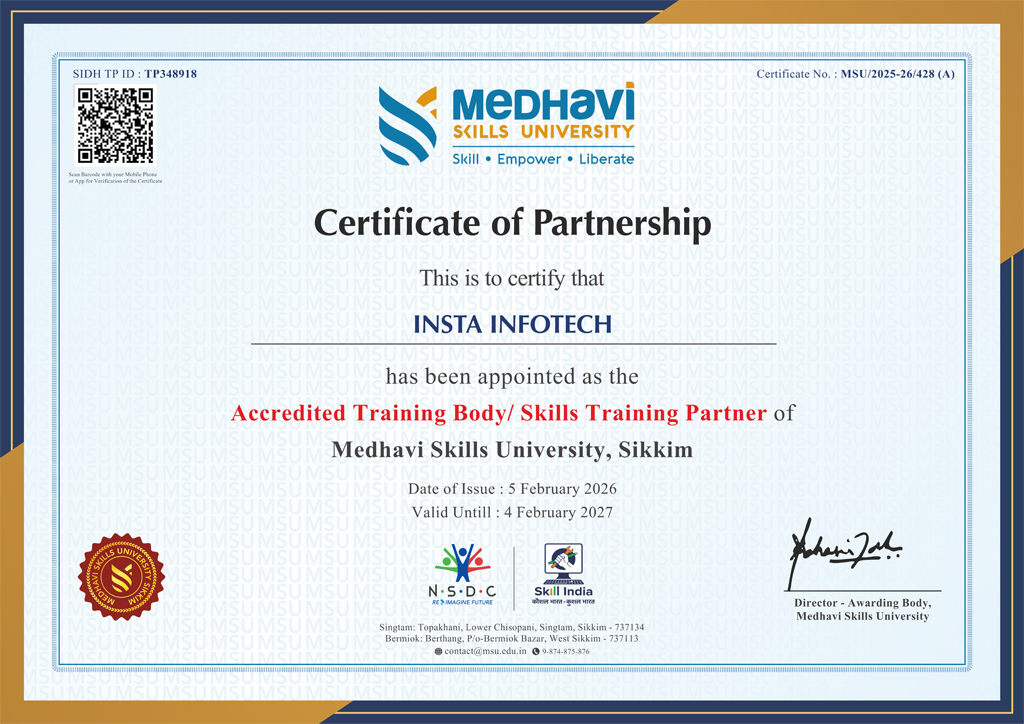
  • Certification & Career Support: Receive an industry-recognized certificate and dedicated placement assistance to launch your career.
What You Will Learn
  • Foundations of 3ds Max: Master the interface, tools, and navigation.
  • Advanced 3D Modeling: Techniques in polygon modeling, spline modeling, and NURBS.
  • Texturing & Materials: Create and apply realistic textures and shaders for lifelike models.
  • Professional Lighting & Rendering: Work with industry-standard renderers like V-Ray and Arnold.
  • Animation & Rigging: Bring characters to life with keyframing, character rigging, and physics-based simulations.
  • VFX & Simulations: Create dynamic special effects, including particle systems and fluid simulations.
Who Can Join This Course?
  • Students & Beginners aiming to start a career in 3D design and animation.
  • Architects & Interior Designers seeking to create photorealistic architectural visualizations.
  • Game Developers & Animators passionate about creating assets and effects for the gaming and film industries.
  • Graphic Designers & Engineers looking to expand their skill set into the third dimension.
Why Choose TechnoPaat for Your Training?
  • Hands-on training with live, portfolio-building projects.
  • A 100% practical learning approach focused on real-world skills.
  • Industry-recognized certification to validate your expertise.
  • Dedicated placement assistance and career guidance.

  • Touring the Interface
  • Getting to Know the Command Panel
  • Working with Objects & Transforming Objects
  • Copying an Object
  • Understanding the Perspective Viewing Tools
  • Using Multiple Viewports

  • Understanding Standard Primitives
  • Adjusting & Accessing Objects' Parameters
  • Modelling Standard Primitives with Modifiers
  • Using the Modifier Stack Tools
  • Making Clones That Share Properties
  • Using Various Modifiers
  • Understanding Extended Primitives
  • Working with Groups.

  • Drawing using Splines
  • Lathing a Spline
  • Modifying a Shape Using Sub-Object Levels
  • Flipping Surface Normal
  • Creating Thickness with a Spline
  • Combining and Extruding Splines
  • Introducing Other Spline Types
  • Editing Splines

  • Polygon Modelling Techniques
  • Using Dynamic Edges Modelling Tools
  • Creating buildings using modifiers

  • Importing AutoCAD Plans into 3ds Max
  • Extruding the Walls.
  • Setting height & width & alignments

  • Creating a Parametric Wall
  • Adjusting the Wall's Parameters
  • Adding Doors and Windows to Walls
  • Creating a Parametric Window
  • Creating Stairs & Creating Foliage

  • Naming Objects
  • Organizing Objects by Layers
  • Setting Up Layers
  • Assigning Objects to Layers
  • Assigning Color to Layers
  • Lofting an Object
  • Lofting a Shape Along a Path
  • Using Different Shapes Along the Loft Path

  • Naming Objects
  • Organizing Objects by Layers
  • Setting Up Layers
  • Assigning Objects to Layers
  • Assigning Color to Layers
  • Lofting an Object
  • Lofting a Shape Along a Path
  • Using Different Shapes Along the Loft Path

  • Understanding Bitmap Texture Maps
  • Diffuse Color Maps
  • Understanding Surface Properties
  • Adding Materials to Objects
  • Understanding Material Libraries
  • Editing Materials
  • Using Bump Maps
  • Understanding Mapping Coordinates
  • Adjusting the UVW Mapping Gizmo
  • Assigning Materials to Parts of an Object
  • Creating a Multi/Sub-Object Material

  • Understanding the 3ds Max Camera
  • Adding a Camera
  • Editing the Camera Location with the Viewport Tools
  • Setting Up an Interior View
  • Creating an Environment
  • Working with Walkthrough-Assistant

  • Using Animation controls
  • Using Keyframe animation
  • Bouncing a Ball
  • Adding Camera Motion & Camera Path
  • Creating Preview Animation
  • Compressing and Expanding Time
  • Rendering the Animation

  • Understanding Mental Ray
  • Understanding Global Illumination
  • Understanding Final Gather
  • Assigning the Mental Ray Renderer
  • Using the Rendered Frame Window Controls

  • Understanding Autodesk materials
  • Understanding Arch & Design materials
  • Creating various materials

  • Improving Rendering Quality
  • Rendering an Exterior Scene
  • Rendering an Interior Scene

  • What is VRay and how to setup VRay
  • VRay Image Saving Options
  • Environmental Lighting

  • Irradiance Map
  • Light Cache
  • Quasi Monte Carlo/Brute Force
  • Environmental Lighting

  • V RayLight
  • VRayAmbient Light
  • VRayIES
  • VRay Sun

  • VRayDomeCame
  • VRayPhysicaCa
  • Shutter Speed

  • VRay2SidedMtl
  • VRayMtl
  • VRayFastSSS2
  • VRayMtIWrapper

  • Rendering an interior scene using V-Ray
  • Rendering an exterior scene using V-Ray
  • Differentiate Renderer
  • Identify rendering parameters Setting
  • Rendering according to Projects

Send Me Message

Trust & Validation

UGC-Recognized Skilled Qualifications for the Modern Global Workforce

Discover Your Language Learning Goals

Whether you’re learning for travel, work, or personal/ professional growth, we’ll help you identify your objectives and match you with the perfect language course to meet your goals.


Choose the Right language Course for You

From beginner basics to advanced fluency, we offer customized programs designed to suit your learning pace and style. Explore group classes, private lessons, or online options.

Learn with Experts and Advanced Tools

Experience interactive lessons led by certified instructors using cutting-edge techniques and technology. Our immersive approach ensures rapid progress and lasting confidence.

Practice, Progress, and Achieve Fluency

Engage in real-world practice, track your progress with regular assessments, and celebrate milestones as you master your chosen language. Success is within reach!

The Ultimate IT Training: From Basics to Breakthroughs Join Our free WebinarPOWER BI

Are you ready to future-proof your IT career and stay ahead in the fast-evolving tech landscape? Join our exclusive webinar, Transform Your IT Career!


20-SEPTEMBER, 2025 - 11- AM

Free Webinar

Register Now
The Ultimate IT Training: From Basics to Breakthroughs Join Our free Webinar
Specializations

Skilled, Qualification, Certification

Discover Your Language Learning Goals

Discover Your Language Learning Goals

Whether you’re learning for travel, work, or personal/ professional growth, we’ll help you identify your objectives and match you with the perfect language course to meet your goals.

Choose the Right language Course for You

Choose the Right language Course for You

From beginner basics to advanced fluency, we offer customized programs designed to suit your learning pace and style. Explore group classes, private lessons, or online options.

Learn with Experts and Advanced Tools

Learn with Experts and Advanced Tools

Experience interactive lessons led by certified instructors using cutting-edge techniques and technology. Our immersive approach ensures rapid progress and lasting confidence.

Practice, Progress, and Achieve Fluency

Practice, Progress, and Achieve Fluency

Engage in real-world practice, track your progress with regular assessments, and celebrate milestones as you master your chosen language. Success is within reach!


Our Blogs

Latest Blog Updates

Transform Your Career with Tech Lingua - Premier IT Training Institute

Join Tech Lingua for cutting-edge IT training programs designed to boost your skills and career prospects. Offering expert-led Courses in Software Development, Data Science, Cybersecurity, and more.

00+

Trained Students

00+

Years of Experience

00+

Countries Represented

00x7

Support

TechnoPaat

What We Offer

At TechnoPaat, we specialize in a wide array of courses across domains like:

Programming Languages: Java, Python, C++, .NET, and more. Data Science & Analytics: Machine Learning, AI, Big Data. Cloud Computing & DevOps: AWS, Azure, Docker, Kubernetes. Cybersecurity: Ethical Hacking, Network Security. Digital Marketing: SEO, Social Media, Content Marketing. Database Management: SQL, PL/SQL, MongoDB, Oracle.

Call For Inquiry

011 42639862

+91-99 11 33 7041

Send Us Email

info@technopaat.com

Enquire Now
Our learners work at