












All Courses

Microsoft Office 365 at TechnoPaat – Best Cloud Solution

Microsoft 365 is a cloud-based productivity suite featuring apps like Word, Excel, Outlook, and Teams to enhance collaboration and efficiency.

At TechnoPaat, tailored Microsoft 365 plans include expert guidance for smooth deployment, secure data management, and scalable setups for small businesses and enterprises.

Microsoft Office 365 at TechnoPaat – Best Cloud Solution

Office 365 Training

Gain practical, job-ready skills with instructor-led Microsoft 365 training focused on real workplace scenarios. Learn to collaborate efficiently with Outlook on the web, Teams, SharePoint, and modern Office apps to streamline communication, document management, and daily workflows.

Access content online, enroll, complete payment, and start immediately—no installation media required. Courses emphasize secure, cloud-first practices and effective use of Microsoft 365 to improve productivity across teams.

Objectives

  • Use Microsoft 365 productively in conjunction with SharePoint, Teams, and Outlook.
  • Access and manage email with Exchange and Outlook.
  • Connect with colleagues directly from Outlook via Teams.
  • Communicate inside and outside the organization using Teams.
  • Collaborate and share securely with SharePoint.
  • Edit and co-author documents in SharePoint and OneDrive on the web.
  • Work with Team Sites and surface shared data within Outlook and Teams.

Prerequisites

  • Basic Microsoft Office familiarity
  • Basic Windows navigation
  • Helpful: introductory knowledge of Exchange/Outlook

Microsoft 365 Certification

Microsoft credentials can validate skills, differentiate profiles, and support career growth by demonstrating proficiency with the Microsoft 365 ecosystem.

Overview of Microsoft 365:
  • What is Microsoft 365?
  • Different subscription plans (Personal, Business, Enterprise).
  • Cloud computing fundamentals.
  • Benefits of using Microsoft 365.
Navigating the Microsoft 365 Environment:
  • Accessing the Microsoft 365 portal.
  • Understanding the app launcher.
  • Personalizing your Microsoft 365 experience.
  • Understanding the admin center (for business plans).
User Management Basics (For business plans):
  • Creating users.
  • Assigning Licenses.
  • Password management.

Outlook Interface and Navigation:
  • Understanding the Outlook interface.
  • Managing email folders and categories.
  • Searching and filtering emails.
Email Management:
  • Composing and sending emails.
  • Managing attachments.
  • Using signatures and out-of-office replies.
  • Implementing email rules and filters.
Calendar Management:
  • Creating and managing appointments and meetings.
  • Sharing calendars and scheduling resources.
  • Using reminders and notifications.
Contact Management:
  • Creating and organizing contacts.
  • Creating contact groups.

Word Interface and Basic Formatting:
  • Navigating the Word interface.
  • Formatting text and paragraphs.
  • Working with styles and themes.
Advanced Document Features:
  • Creating tables and charts.
  • Inserting images and multimedia.
  • Using mail merge.
  • Using track changes and comments.
Collaboration in Word Online:
  • Real-time co-authoring.
  • Sharing and reviewing documents.
  • Version control.

Excel Interface and Basic Functions:
  • Understanding the Excel interface.
  • Entering and formatting data.
  • Using basic formulas and functions.
Data Analysis and Visualization:
  • Creating charts and graphs.
  • Using pivot tables and pivot charts.
  • Applying conditional formatting.
  • Using data validation.
Advanced Excel Features:
  • Using advanced formulas and functions (VLOOKUP, IF, etc.).
  • Data analysis tools and techniques.
  • Excel online collaboration.

PowerPoint Interface and Basic Design:
  • Navigating the PowerPoint interface.
  • Creating and formatting slides.
  • Using themes and templates.
Advanced Presentation Features:
  • Inserting images, videos, and audio.
  • Creating animations and transitions.
  • Delivering presentations effectively.
PowerPoint Online Collaboration:
  • Co-authoring presentations.
  • Presenting online.

Teams Interface and Navigation:
  • Understanding the Teams interface.
  • Creating and managing teams and channels.
Communication and Collaboration:
  • Using chat, meetings, and calls.
  • Sharing files and collaborating on documents.
  • Managing notifications and settings.
Teams Applications and Integrations:
  • Integrating other Microsoft 365 apps.
  • Using third-party apps and connectors.
  • Managing meetings.

OneDrive: Personal Cloud Storage:
  • Understanding OneDrive functionality.
  • Syncing files and folders.
  • Sharing files and folders.
  • Version control.
SharePoint: Team Collaboration and Document Management:
  • Understanding SharePoint sites and libraries.
  • Managing permissions and access.
  • Collaborating on documents and lists.
  • SharePoint online features.

Microsoft Forms:
  • Creating surveys, quizzes, and polls.
  • Collecting and analyzing data.
  • Sharing forms and reviewing responses.
Microsoft OneNote:
  • Creating and organizing notebooks.
  • Taking notes and capturing information.
  • Collaborating on notebooks.
  • Using OneNote online.

Understanding Security Features:
  • Multi-factor authentication (MFA).
  • Data loss prevention (DLP).
  • Mobile device management (MDM).
Compliance and Data Governance:
  • Understanding compliance requirements.
  • Managing data retention and archiving.
  • Using eDiscovery tools.

  • Automation with Power Automate.
  • Using Microsoft 365 mobile apps.
  • Troubleshooting common issues.
  • Maximizing productivity with shortcuts and tips.
  • Staying up to date with new features.

Send Me Message

Trust & Validation

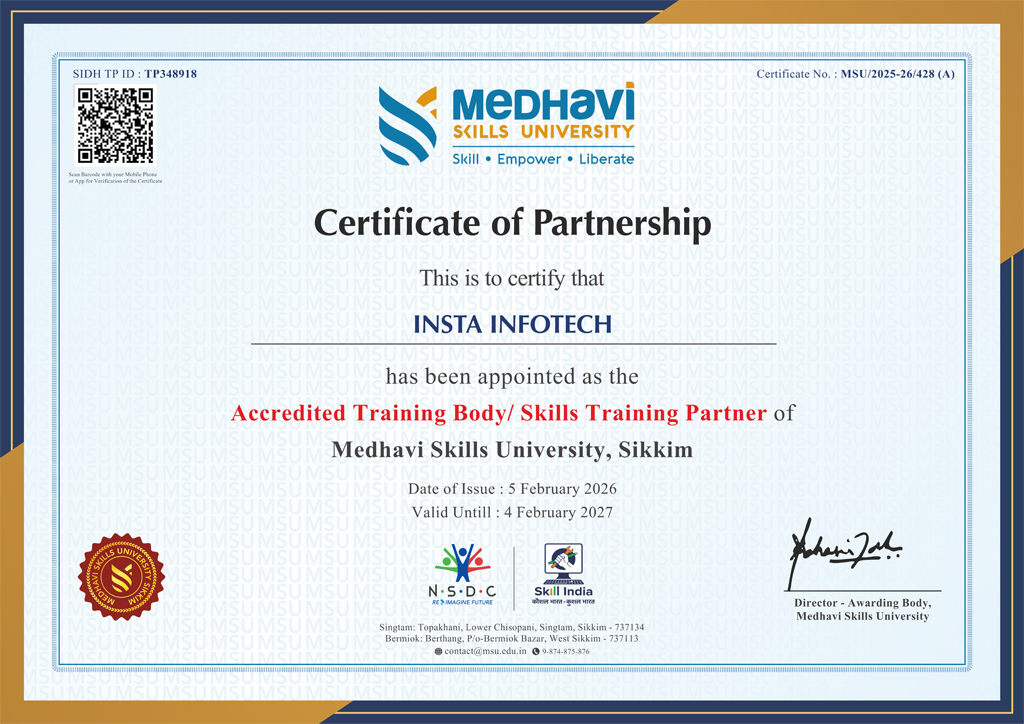
UGC-Recognized Skilled Qualifications for the Modern Global Workforce

Discover Your Language Learning Goals

Whether you’re learning for travel, work, or personal/ professional growth, we’ll help you identify your objectives and match you with the perfect language course to meet your goals.


Choose the Right language Course for You

From beginner basics to advanced fluency, we offer customized programs designed to suit your learning pace and style. Explore group classes, private lessons, or online options.

Learn with Experts and Advanced Tools

Experience interactive lessons led by certified instructors using cutting-edge techniques and technology. Our immersive approach ensures rapid progress and lasting confidence.

Practice, Progress, and Achieve Fluency

Engage in real-world practice, track your progress with regular assessments, and celebrate milestones as you master your chosen language. Success is within reach!

The Ultimate IT Training: From Basics to Breakthroughs Join Our free WebinarPOWER BI

Are you ready to future-proof your IT career and stay ahead in the fast-evolving tech landscape? Join our exclusive webinar, Transform Your IT Career!


20-SEPTEMBER, 2025 - 11- AM

Free Webinar

Register Now
The Ultimate IT Training: From Basics to Breakthroughs Join Our free Webinar
Specializations

Skilled, Qualification, Certification

Discover Your Language Learning Goals

Discover Your Language Learning Goals

Whether you’re learning for travel, work, or personal/ professional growth, we’ll help you identify your objectives and match you with the perfect language course to meet your goals.

Choose the Right language Course for You

Choose the Right language Course for You

From beginner basics to advanced fluency, we offer customized programs designed to suit your learning pace and style. Explore group classes, private lessons, or online options.

Learn with Experts and Advanced Tools

Learn with Experts and Advanced Tools

Experience interactive lessons led by certified instructors using cutting-edge techniques and technology. Our immersive approach ensures rapid progress and lasting confidence.

Practice, Progress, and Achieve Fluency

Practice, Progress, and Achieve Fluency

Engage in real-world practice, track your progress with regular assessments, and celebrate milestones as you master your chosen language. Success is within reach!


Our Blogs

Latest Blog Updates

Transform Your Career with Tech Lingua - Premier IT Training Institute

Join Tech Lingua for cutting-edge IT training programs designed to boost your skills and career prospects. Offering expert-led Courses in Software Development, Data Science, Cybersecurity, and more.

00+

Trained Students

00+

Years of Experience

00+

Countries Represented

00x7

Support

TechnoPaat

What We Offer

At TechnoPaat, we specialize in a wide array of courses across domains like:

Programming Languages: Java, Python, C++, .NET, and more. Data Science & Analytics: Machine Learning, AI, Big Data. Cloud Computing & DevOps: AWS, Azure, Docker, Kubernetes. Cybersecurity: Ethical Hacking, Network Security. Digital Marketing: SEO, Social Media, Content Marketing. Database Management: SQL, PL/SQL, MongoDB, Oracle.

Call For Inquiry

011 42639862

+91-99 11 33 7041

Send Us Email

info@technopaat.com

Enquire Now
Our learners work at